Watch PCB router, integrated cutting and board-handling demonstrations. Explore related JELIO products, published specifications and practical application discussions.
Explore the videos
Search equipment demonstrations or choose a topic. Compare the product catalog and bring your panel requirements to technical support.
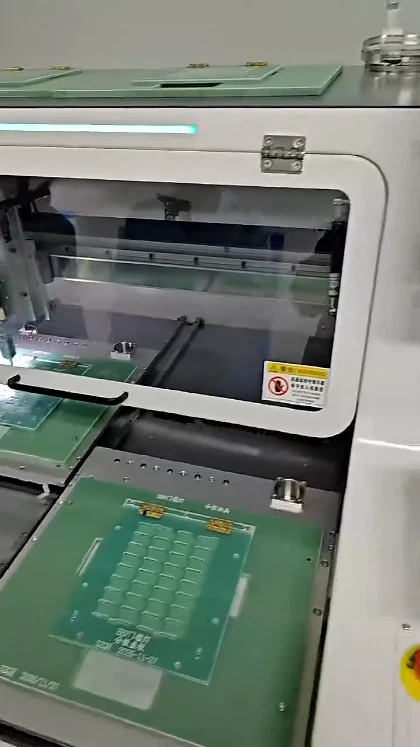
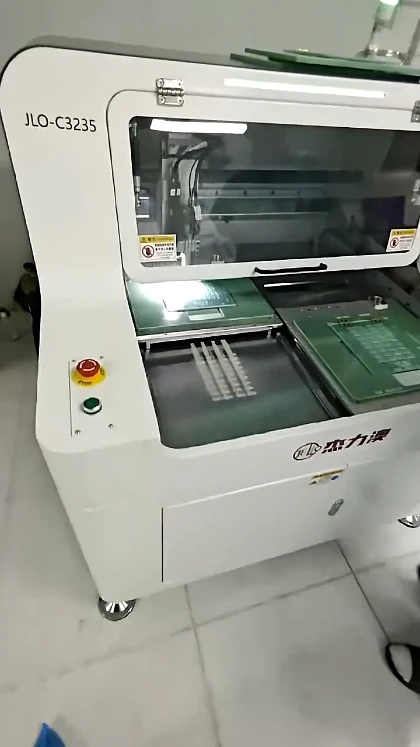
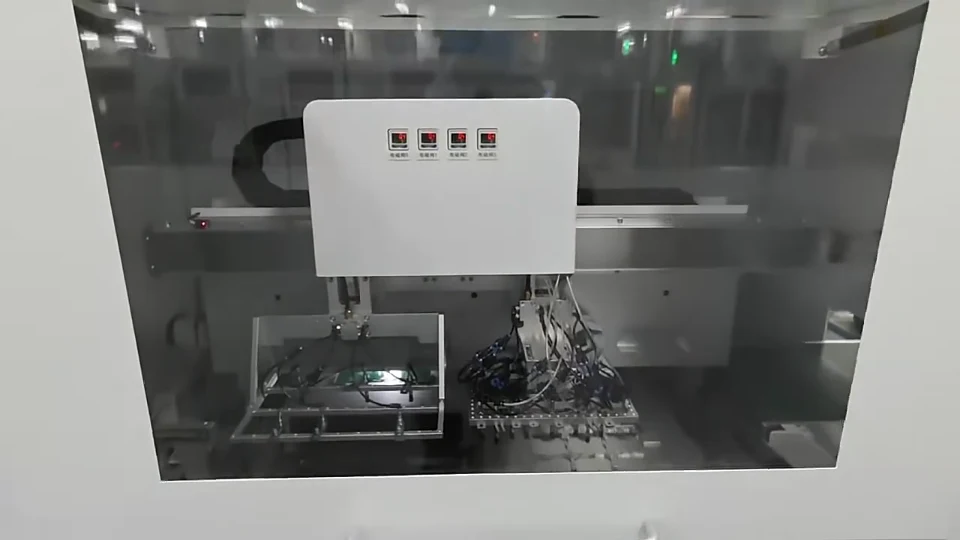
A dual-station PCB router uses two supported worktable positions around the cutting area. In this JELIO demonstration, green panels remain located on fixtures while the spindle assembly and tables move through the sequence. For your own panel, compare the related machine’s working envelope, cutter range and component clearance, then review loading access and the complete sample-cutting workflow.
Compare the panel envelope, the contours assigned to milling, the straight cuts assigned to the saw and the handling arrangement around the fixture. JELIO’s related integrated product tables list milling and saw tool ranges separately. Use the close-up video to frame fixture-access questions, then match the machine configuration to the panel drawing and the required production-line handoff.
Check where the panel is supported, how the cutter reaches each tab and how individual boards remain located as the route progresses. The JELIO close-up shows repeated features beneath a spindle, making it useful for discussing a detailed panel layout. Compare cutter range and fixture clearance on a related product, then review the final-tab sequence with your actual drawing.
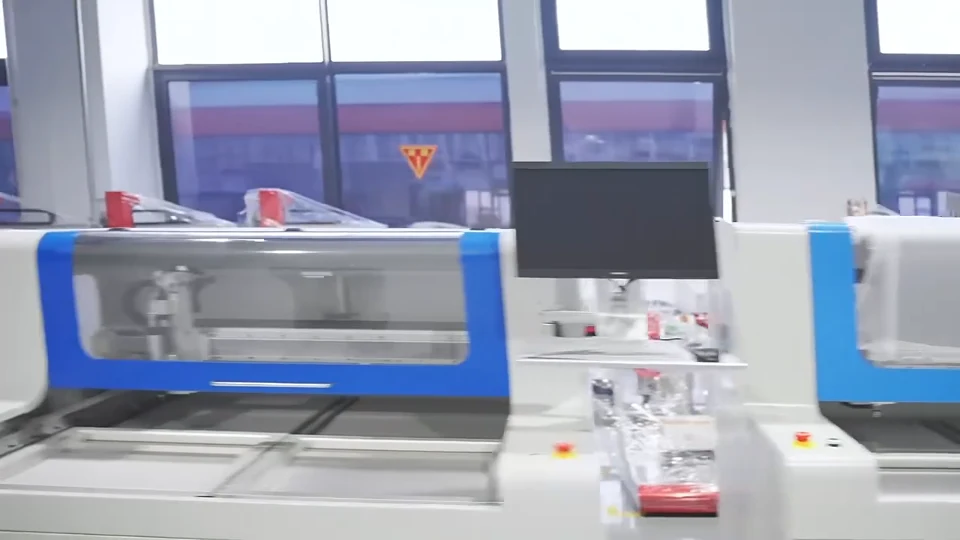
The JELIO company video introduces the business through exterior views, automation equipment, tooling and machine-control scenes. It provides supplier context for buyers considering PCB depaneling equipment. Start with the related router and integrated systems on this page, then use their published specifications and the manufacturing capability page to prepare a board-specific technical discussion.
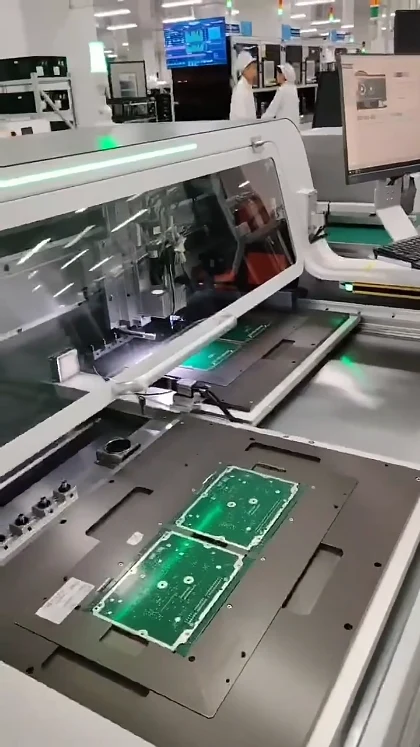
The video helps connect the router’s cutting area with fixture access, the operator display and board pickup at the loading side. Use those views to identify how your panel will be located and removed. The linked JLO-C3532/JLO-C5045 product page supplies the panel envelope, thickness and component-height values to use when discussing the fixture and selected machine variant.
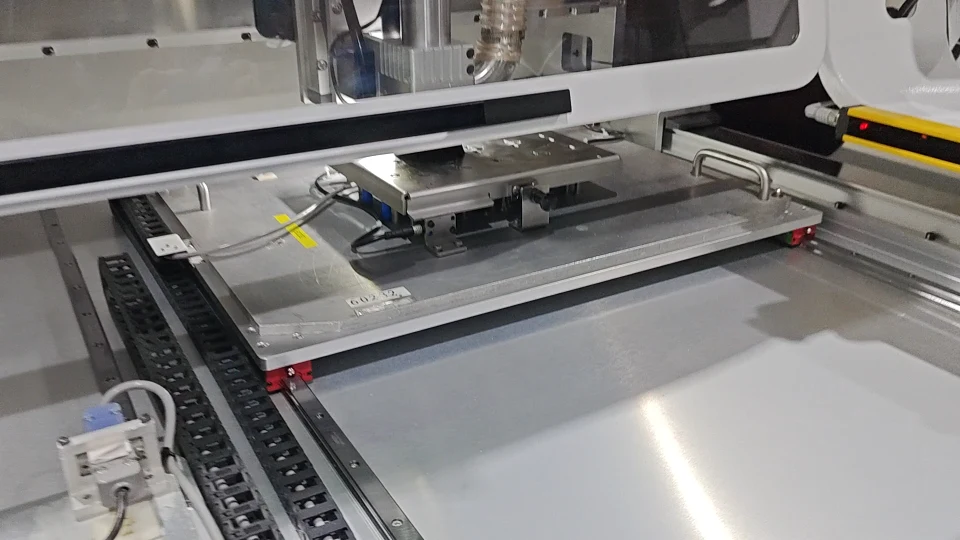
Define the panel pickup surface, support at the receiving position, release arrangement and the next handling step after separation. The JELIO product-page clip shows internal transfer hardware and a board handoff sequence. Use it to explain your handling requirements, then compare the related platform’s published tooling, panel envelope and loading-and-unloading information before discussing an integrated configuration.
Explore PCB router demonstrations, integrated router-and-saw equipment, fixture and board-handling sequences, and the company automation overview. Every card opens a dedicated page with related products and technical information.
Where can I find the machine specifications shown alongside a video?
Open the video detail page and use its Technical Specifications section. Each table identifies the related catalog model and links to the original product page, where you can review the complete configuration.
Can I discuss my own panel or request a sample-cutting review?
Yes. JELIO’s technical support service describes sample cutting, edge analysis and dimensional verification. Send the panel drawing, component layout and the checks required for your application.
How should I use the related products on a video page?
Compare their panel envelopes, tooling and handling arrangements against your application. Each page explains the product relationship and keeps the selected catalog specifications attached to their source model.
Where are the technical guides and company updates?
Visit Insights for depaneling selection guides, technical articles and exhibition updates. You can also explore the product catalog or contact the company team to discuss a specific project.

 WhatsApp: +8615306204105
 Email: xuhejian@jelio.com.cn
 0:50
0:50