
 WhatsApp: +8615306204105
 Email: xuhejian@jelio.com.cn
JELIO · Router / Milling Depaneling
PCB Depaneling: Small-Tab Routing Close-Up
Watch the camera move from the JLO-C325 marking on the enclosure into a close-up of the spindle and repeated small features on a green panel. This video is useful for discussing cutter access and support around a detailed separation pattern. The close-up view makes the repeated routing features and the surrounding worktable arrangement easy to inspect. For a new equipment inquiry, explore the current router catalog and compare the related products below. Their specifications are presented by catalog model so you can plan fixture questions, review the tool range and prepare a sample discussion for your own board.
Video playback is temporarily unavailable. Open the original video or contact JELIO.
DIRECT ANSWER
What should you check for a PCB routing pattern with many small tabs?
Check where the panel is supported, how the cutter reaches each tab and how individual boards remain located as the route progresses. The JELIO close-up shows repeated features beneath a spindle, making it useful for discussing a detailed panel layout. Compare cutter range and fixture clearance on a related product, then review the final-tab sequence with your actual drawing.
Follow the tool around the repeated features
The first view gives context: the JLO-C325 marking, the enclosure and the worktable arrangement. Later frames bring the spindle and repeated small features into view. This change of scale is useful when explaining a panel whose outline alone does not show the fixture-access challenge.
Mark each remaining connection on your drawing and identify the support available after that connection is cut. Include populated and bare areas, underside components and the final handling position. The technical support page describes sample cutting and edge inspection, which provide a practical route from this visual example to a board-specific review.
Three moments from this video
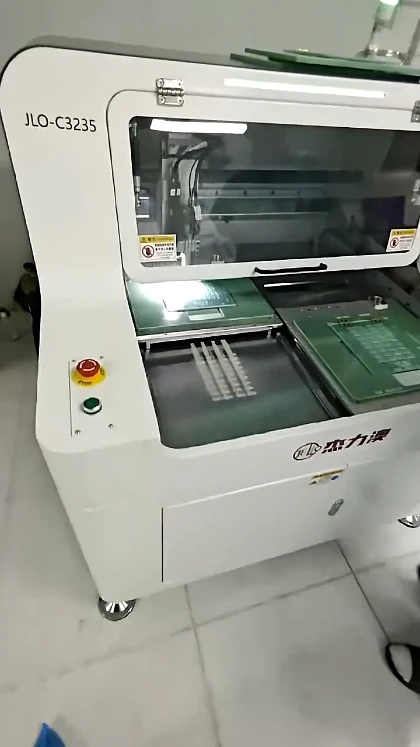
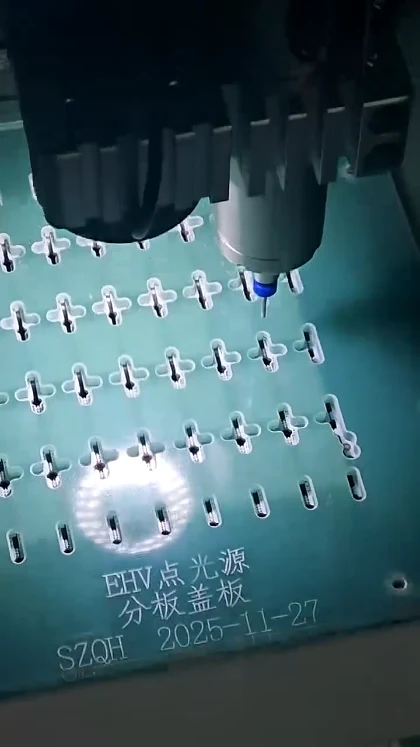
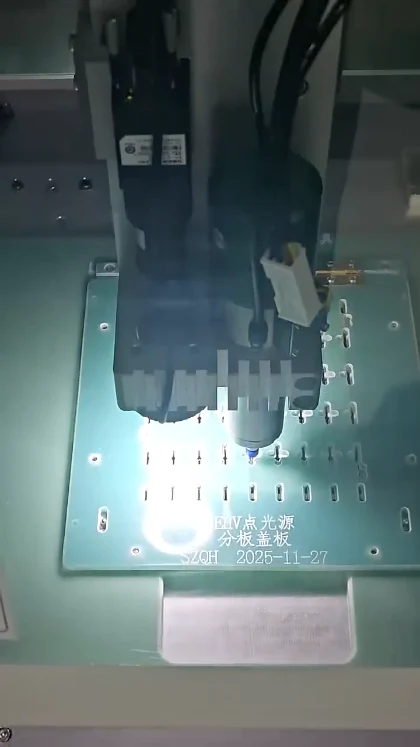
CURRENT JELIO CATALOG
Related Products
Explore the following equipment pages for model-specific configuration details.
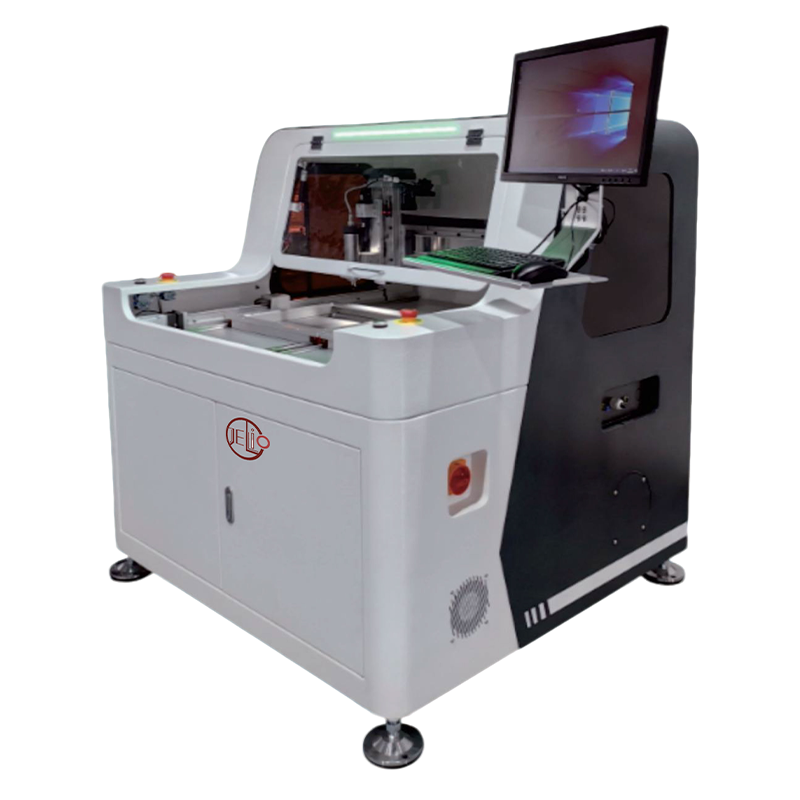
Related product
JLO-C3532/JLO-C5045
Compare current dual-station router data and tool range.
View product & specifications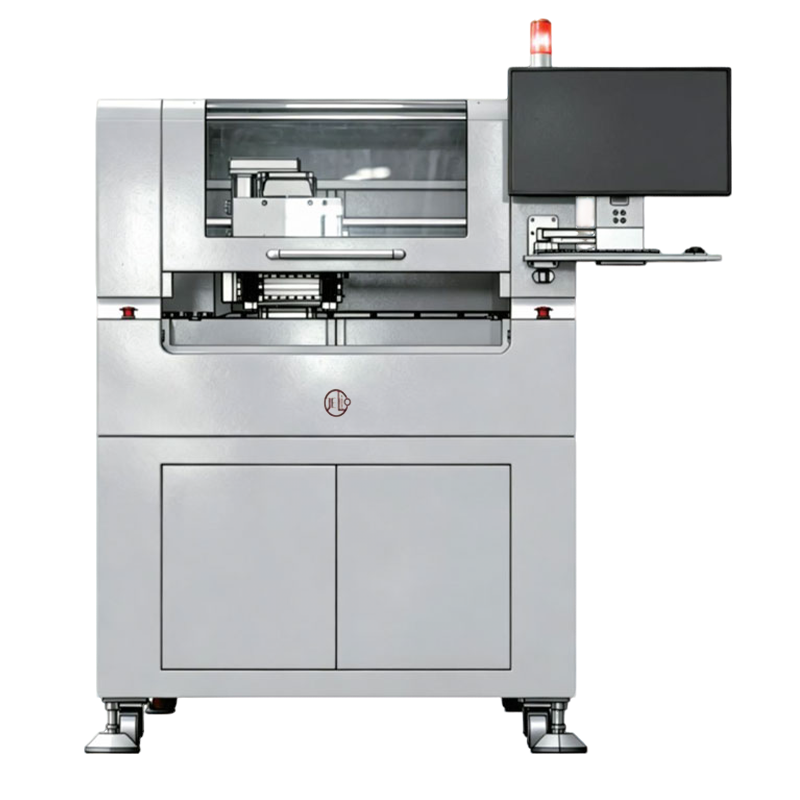
Related product
Dual-spindle Milling-type PCB Depaneling Router Machine
Review a dual-spindle platform for repeated routing patterns.
View product & specificationsRELATED PRODUCT SPECIFICATIONS
Technical Specifications
Source: JLO-C3532/JLO-C5045. These are the published specifications for this related catalog product.
| Parameter | Published value |
|---|---|
| Model | JLO-C3532/JLO-C5045 |
| Number of Workstations | Dual Station |
| Max. PCB Depaneling Size | 350mm(X)*320mm(Y)(Single Station)/500mm(X)*450mm(Y)(Single Station) |
| Cuttable PCBA Thickness | 0.5~4mm |
| Cutting Accuracy | ±0.05mm |
| Repeatability | ±0.02mm |
| Spindle Tool Range | φ0.5~3mm |
| Spindle Speed | MAX.60000rpm |
Current router options for a detailed panel review
| Decision point | JLO-C3532/JLO-C5045 | Dual-spindle Milling-type PCB Depaneling Router Machine |
|---|---|---|
| Routing envelope | 350mm(X)*320mm(Y)(Single Station)/500mm(X)*450mm(Y)(Single Station) | 350 * 550mm |
| Repeatability label and value | ±0.02mm | ±0.01mm |
| Spindle tool range | φ0.5~3mm | φ0.5~3mm |
| Cutting speed | 0~100mm/sec | 0~100mm/sec |
RECOMMENDED BUYER WORKFLOW
Review a small-feature panel in four steps
- 01
Mark every connection
Identify tabs and the intended order of separation.
- 02
Locate the supports
Show fixture pins, contact points and component clearances.
- 03
Check final retention
Discuss how the last connections and separated boards are supported.
- 04
Inspect a sample
Review the cut edge, dimensions and pickup arrangement.
Prepare your application review
A useful inquiry includes close-up photographs as well as the panel drawing. Show the crowded areas, the small connections and both sides of the board. This helps the engineering discussion focus on cutter access and supports rather than treating every repeated shape as an identical routing task.
Compare the available dual-spindle router with a conventional dual-station configuration using the source labels in the table. Discuss the intended route and production mix before choosing the arrangement. Use customization and ODM support for a fixture that follows the actual panel layout.
Frequently asked questions
Which model marking appears in the video?
The enclosure is marked JLO-C325 in the opening view. The related-product section links current catalog router options for a new equipment inquiry.
Why does support around the final tab matter in a routing review?
As connections are removed, the support and pickup plan determine how the separated board is retained. Show the intended final connection and support positions during the fixture discussion.
Can I compare a dual-spindle option for repeated shapes?
Yes. The current dual-spindle product page provides its routing range, mechanical repeatability and tool range. Review those values alongside the actual panel and route.
Which drawings help with cutter-access questions?
Send the panel outline, tab map, component locations and underside clearance information. Add close-up images of crowded routing areas.
How can I assess the edge produced on my board?
Arrange a sample-cutting review and specify the edge and dimensional checks you need. JELIO’s technical support page describes edge analysis and dimensional verification.
Related Videos & Guides
 0:50
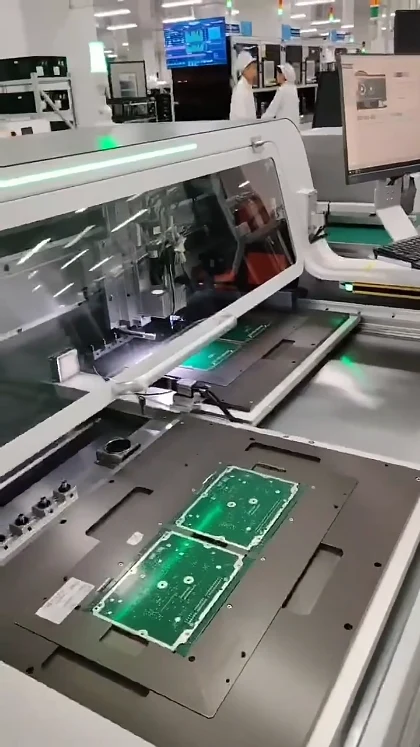
0:50PCB Router Depaneling: Dual-Station Demonstration
Router / Milling Depaneling
 0:47
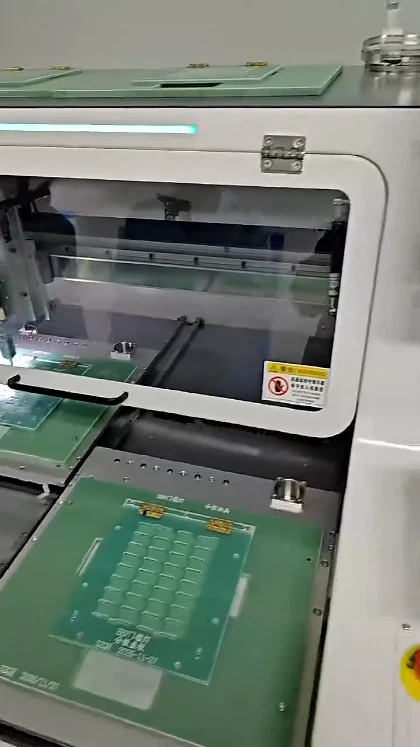
0:47Router-Saw Depaneling: Fixture & Toolpath Video
Integrated Systems
NEXT STEP
Discuss your panel and fixture
Share your panel drawing and application requirements with the JELIO team.


