
 WhatsApp: +8615306204105
 Email: xuhejian@jelio.com.cn
JELIO · Router / Milling Depaneling
PCB Router Fixture & Board Changeover Video
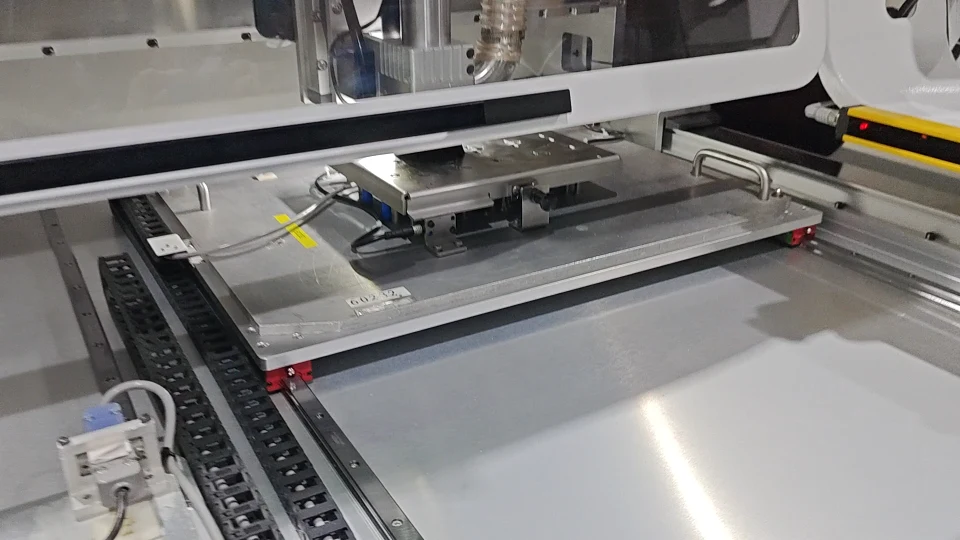
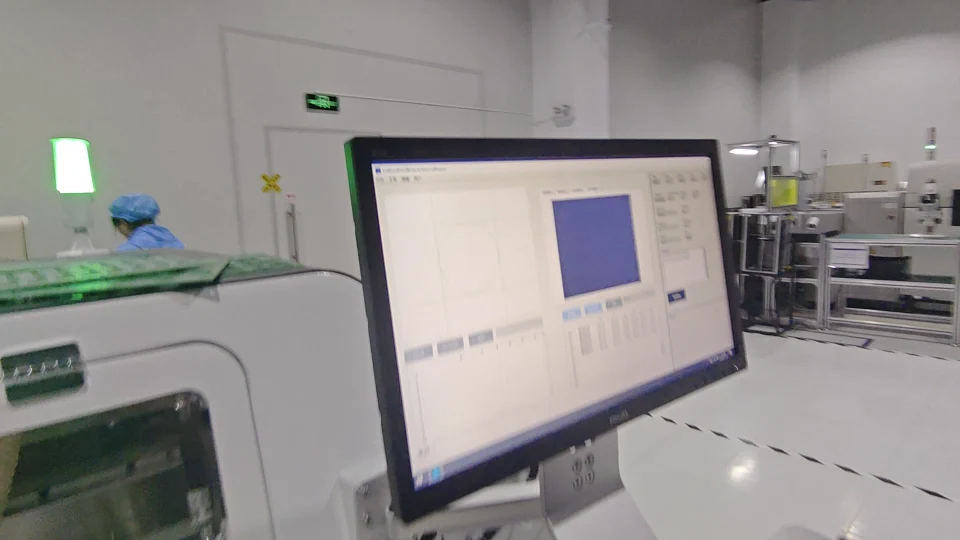
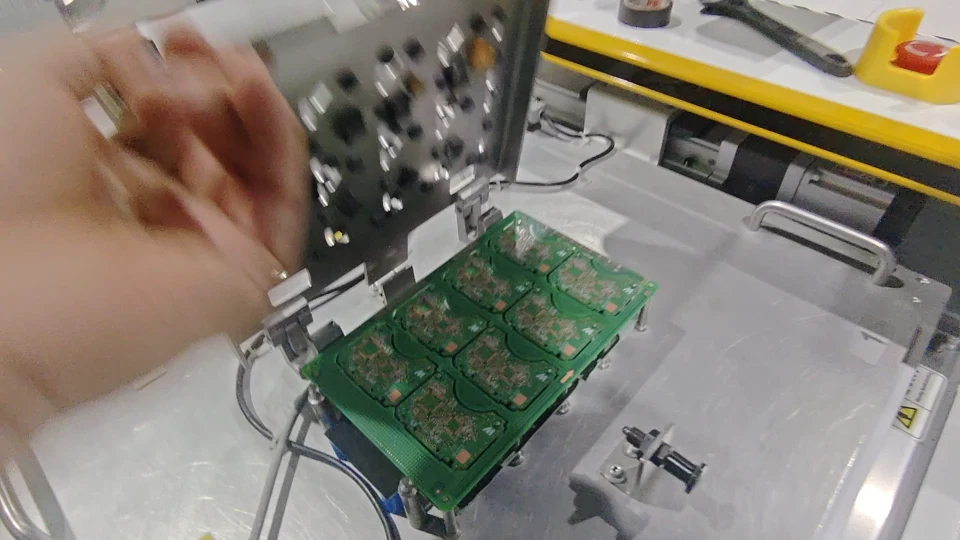
See the worktable, fixture area and board pickup shown in the video embedded on JELIO’s JLO-C3532/JLO-C5045 router product page. The landscape sequence brings the camera close to the supported fixture, then shows the operator display and a board being handled at the loading side. For process planning, those views connect the cutting area with the practical work of placing and removing panels. Use the related product specifications below to review the panel envelope, thickness and component-clearance requirements. Then compare another catalog router and prepare the fixture questions that matter for your own board, production mix and operator access.
Video playback is temporarily unavailable. Open the original video or contact JELIO.
DIRECT ANSWER
What can the PCB router fixture video help you review?
The video helps connect the router’s cutting area with fixture access, the operator display and board pickup at the loading side. Use those views to identify how your panel will be located and removed. The linked JLO-C3532/JLO-C5045 product page supplies the panel envelope, thickness and component-height values to use when discussing the fixture and selected machine variant.
Look beyond the cut to loading and pickup
Early frames show the fixture positioned beneath the spindle area. The camera then turns toward the machine display before showing board pickup from the fixture. These three views make the clip useful for explaining where an operator needs access during the overall panel-handling sequence.
For a fixture discussion, provide the board outline, mounting or locating features, component height on each side and the intended pickup surface. Review custom fixture support together with the full product configuration. If the line requires automated transfer rather than operator pickup, compare the inline PCB router as a separate catalog option.
Three moments from this video
CURRENT JELIO CATALOG
Related Products
Explore the following equipment pages for model-specific configuration details.
Source product page
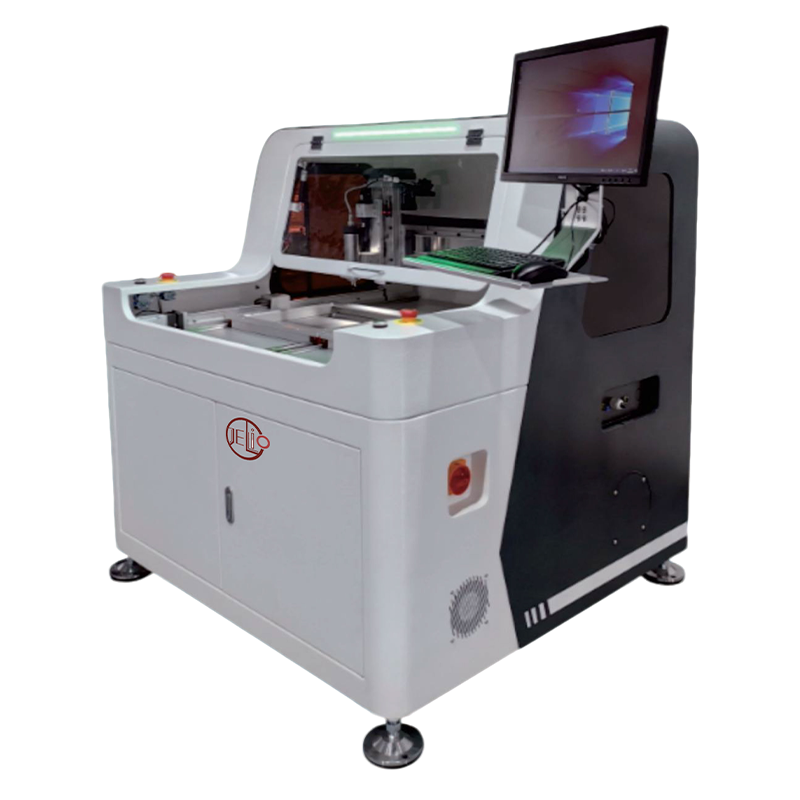
JLO-C3532/JLO-C5045
Source product family for this embedded demonstration.
View product & specifications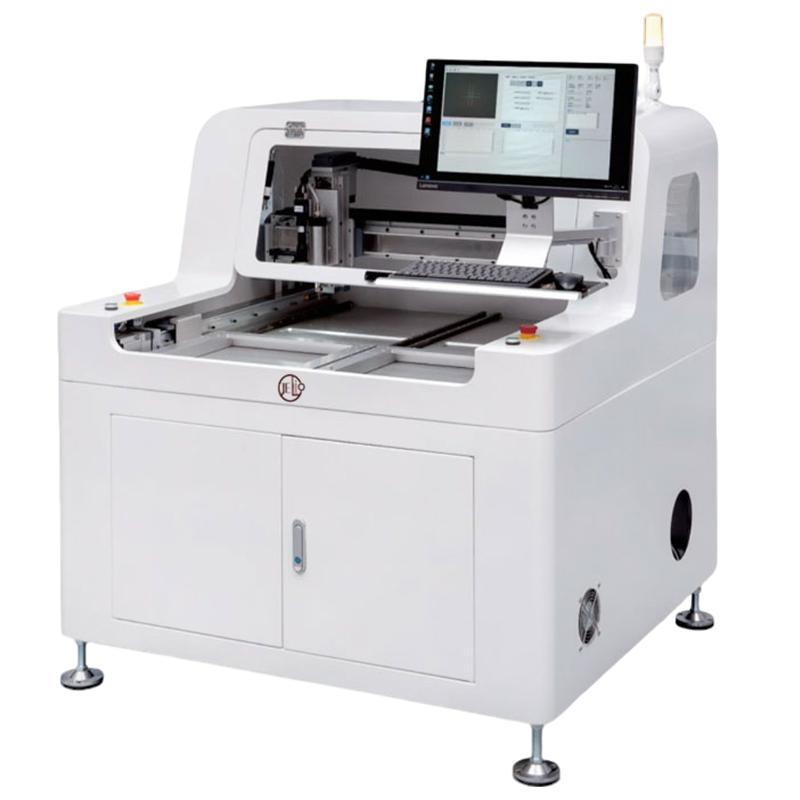
Related product
JLO-C4980
Compare another router’s published envelope and component-height entries.
View product & specificationsRELATED PRODUCT SPECIFICATIONS
Technical Specifications
Source: JLO-C3532/JLO-C5045. These are the published specifications for this related catalog product.
| Parameter | Published value |
|---|---|
| Model | JLO-C3532/JLO-C5045 |
| Max. PCB Depaneling Size | 350mm(X)*320mm(Y)(Single Station)/500mm(X)*450mm(Y)(Single Station) |
| PCBA Component Height | Upper:15mm Lower:45mm |
| Cuttable PCBA Thickness | 0.5~4mm |
| Spindle Tool Range | φ0.5~3mm |
| Mark Compensation | Camera recognition & positioning, automatic compensation |
| Milling Cutter Replacement Method | Manual tool change / Automatic tool change (optional) |
| Safety Protection | Proximity switch installed on front upper door; light curtain installed at product loading area |
Compare fixture planning data for two catalog router families
| Decision point | JLO-C3532/JLO-C5045 | JLO-C4980 |
|---|---|---|
| Catalog model | JLO-C3532/JLO-C5045 | JLO-C4980 |
| Component-height entry | Upper:15mm Lower:45mm | Upper:15mm Lower:45mm |
| Tool-change options | Manual tool change / Automatic tool change (optional) | Manual tool change |
| Dust collection options | Bottom full suction, bottom follow-up dust collection (optional), top dust collection (optional) | Bottom full dust collection |
RECOMMENDED BUYER WORKFLOW
Prepare a fixture and changeover discussion
- 01
Identify panel variants
Collect the outline and drawing revision for each production panel.
- 02
Map access and clearance
Record locating features, component heights and pickup surfaces.
- 03
Review fixture setup
Discuss loading, recipe selection and tool-change options.
- 04
Trial the full sequence
Review panel placement, separation and board pickup together.
Choose a configuration for your panel
For high-mix production, identify which changes are caused by the panel outline and which are caused by the fixture or recipe. A board with the same outline can still need a different support arrangement when underside components or pickup surfaces change. Use a marked drawing and photographs to make those differences clear.
The published product specifications describe the related machine family; a useful quotation also identifies the selected variant, fixture and optional accessories. Read the technical support information before arranging samples, and specify whether you want to review only the cut or the complete placement-to-pickup sequence.
Frequently asked questions
Where does this router video come from?
It is the video embedded on the JLO-C3532/JLO-C5045 PCB Router Depaneling Machine product page. The source family is linked in the Related Products section.
What handling stages appear in the clip?
The footage includes the supported fixture area, the machine display and board pickup at the loading side. These are useful views for an operator-access discussion.
What component heights are listed for the source family?
The source product table lists Upper:15mm Lower:45mm for PCBA component height. Review the board layout and fixture together with that entry.
Is automatic tool change included in every configuration?
The source table lists Manual tool change / Automatic tool change (optional). Identify the required option when discussing the quotation.
What should I send for a fixture quotation?
Provide panel drawings, variant details, locating features, component heights and pickup requirements. Include whether the review should cover operator handling or a line-transfer interface.
Related Videos & Guides
 0:50
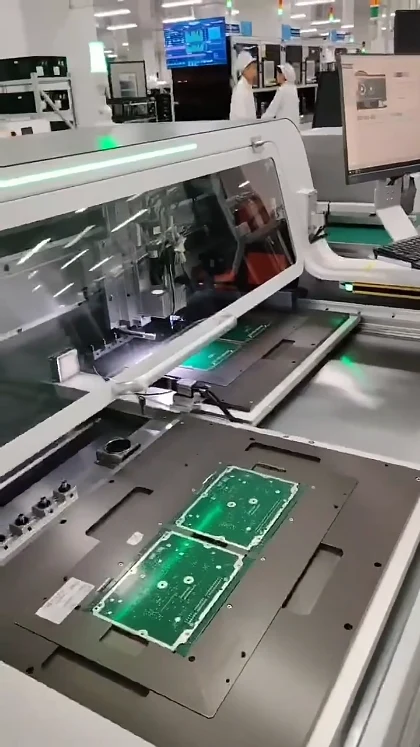
0:50PCB Router Depaneling: Dual-Station Demonstration
Router / Milling Depaneling
 0:33
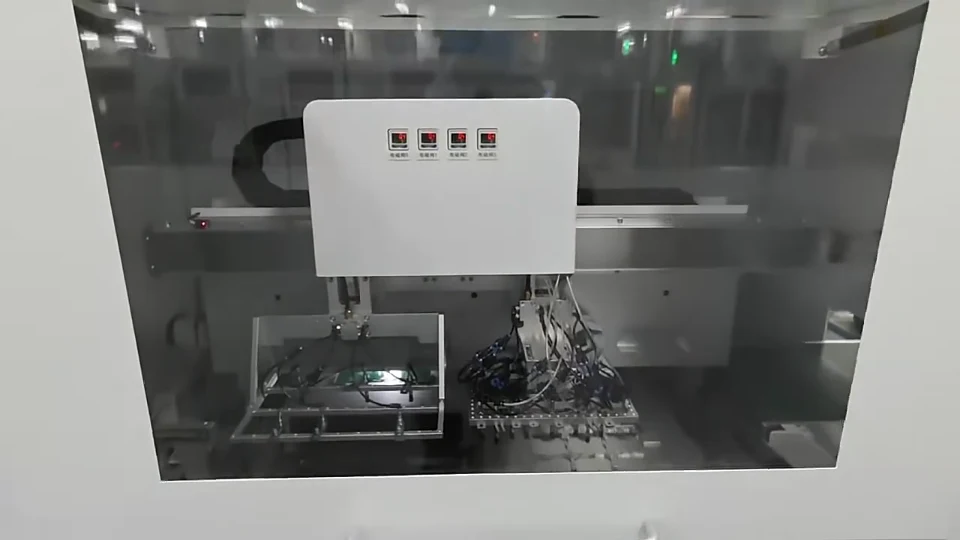
0:33Router-Saw Depaneling: Vacuum Board Transfer Video
Integrated Systems
NEXT STEP
Request fixture and configuration details
Share your panel drawing and application requirements with the JELIO team.


