
 WhatsApp: +8615306204105
 Email: xuhejian@jelio.com.cn
JELIO · Router / Milling Depaneling
PCB Router Depaneling: Dual-Station Demonstration
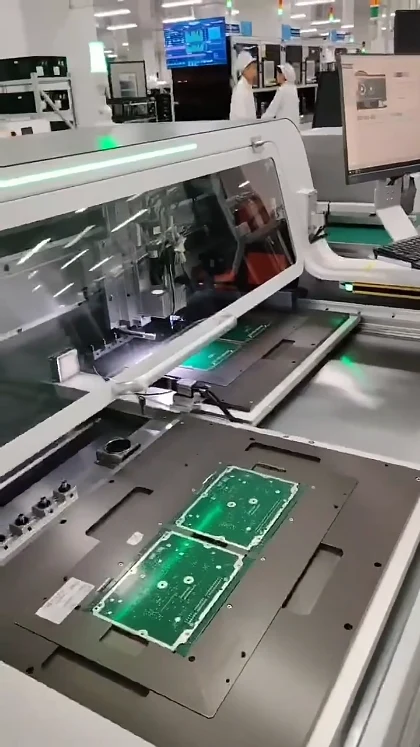
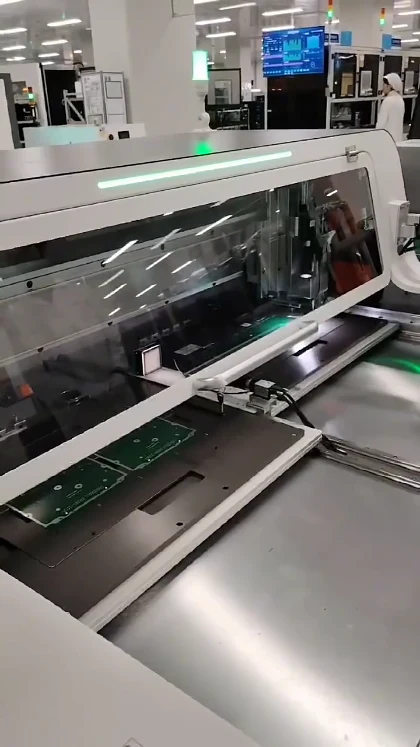
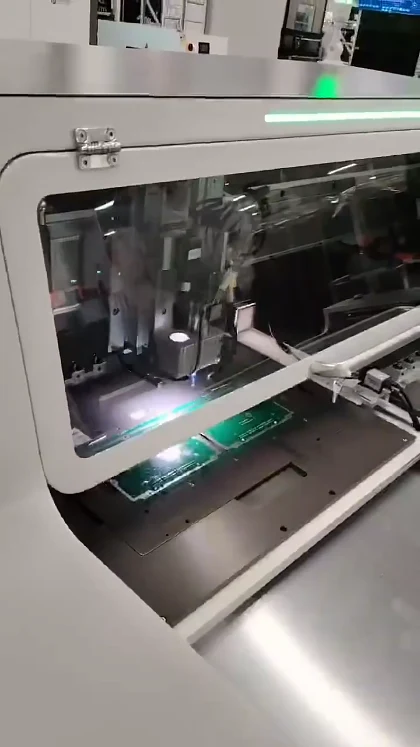
Watch this JELIO PCB router demonstration to see the relationship between supported panels, two worktable positions and the moving spindle assembly. The portrait footage shows the machine from the loading side, making the worktable layout and the board support easy to follow. If you are comparing a router for your own PCBA, start with panel geometry and fixture access, then review the published limits of the related router platforms. Below, you can compare current catalog models, read model-specific technical data and plan a sample-cutting discussion. The emphasis is on choosing a workable separation setup for your panel, components and operator workflow.
Video playback is temporarily unavailable. Open the original video or contact JELIO.
DIRECT ANSWER
How does the dual-station PCB router layout support panel separation?
A dual-station PCB router uses two supported worktable positions around the cutting area. In this JELIO demonstration, green panels remain located on fixtures while the spindle assembly and tables move through the sequence. For your own panel, compare the related machine’s working envelope, cutter range and component clearance, then review loading access and the complete sample-cutting workflow.
What to watch: table movement and panel support
Start with the panel nearest the loading side, then follow the worktable as the camera moves toward the enclosure. The board is supported on a fixture rather than held by hand during the machine movement. This relationship between the support, panel edge and cutting area is the main feature to observe in the clip.
When reviewing a similar arrangement, mark the tabs, cut contours and components near each board edge on the drawing. That gives the technical support team a concrete basis for discussing fixture access and the cutter route. For a fuller automation decision, read the inline versus offline depaneling guide.
Three moments from this video
CURRENT JELIO CATALOG
Related Products
Explore the following equipment pages for model-specific configuration details.
Related product
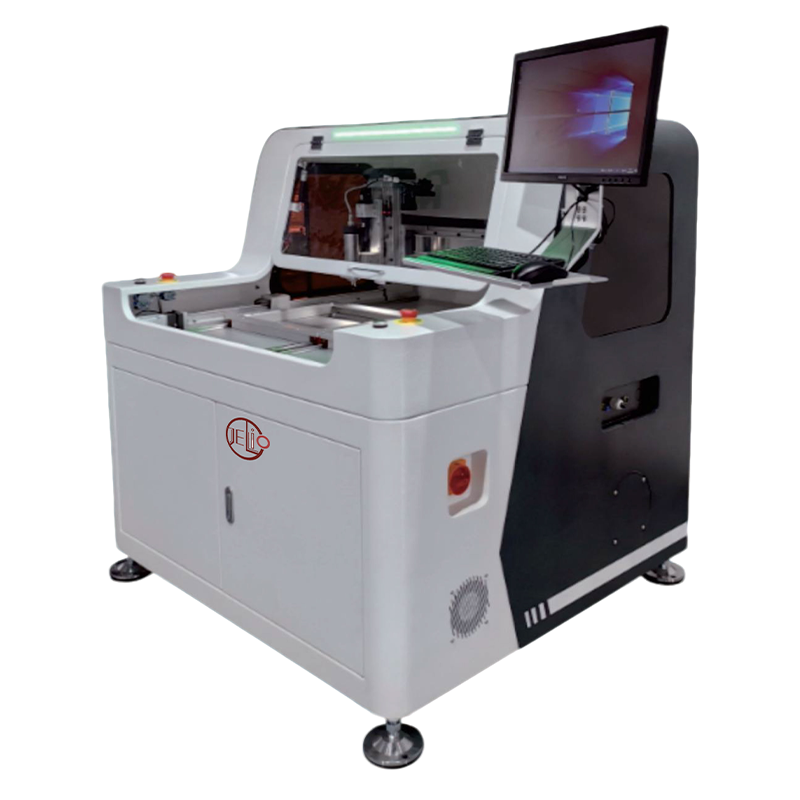
JLO-C3532/JLO-C5045
Compare the published dual-station envelope and spindle specifications.
View product & specifications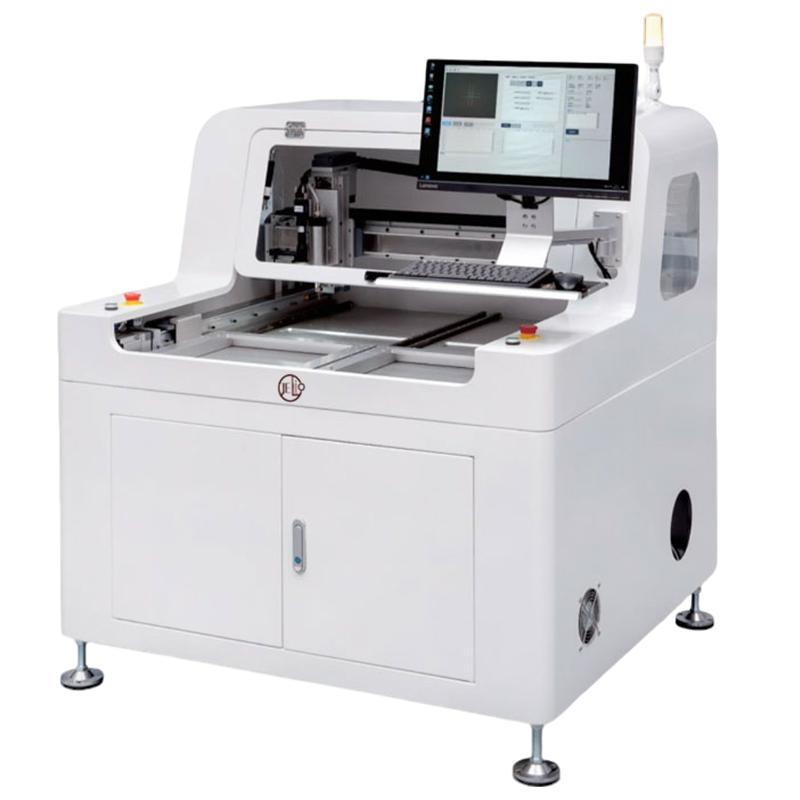
Related product
JLO-C4980
Review the JLO-C4980 router as another catalog option.
View product & specifications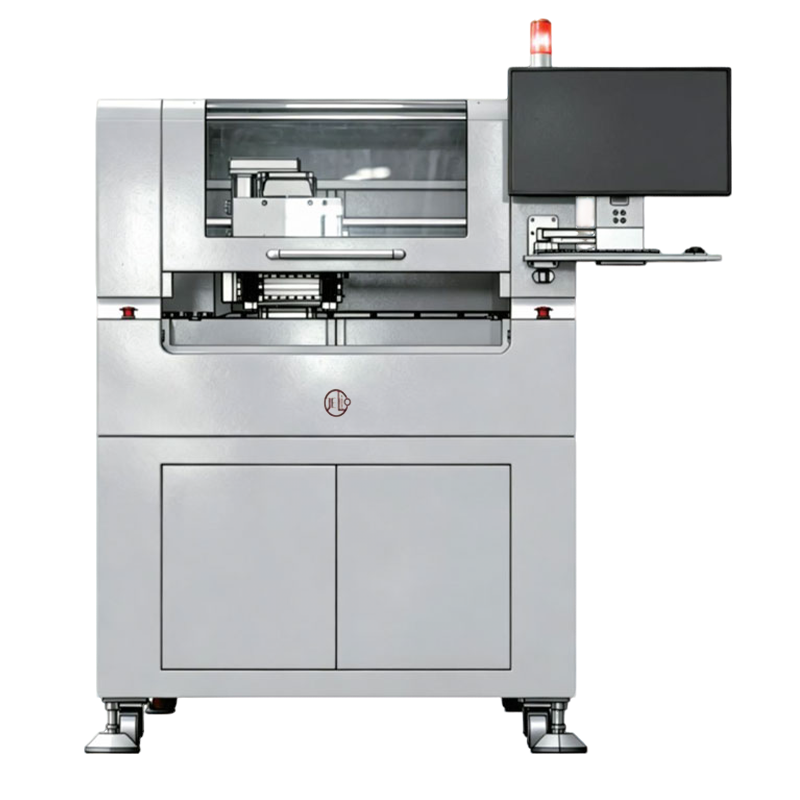
Related product
Dual-spindle Milling-type PCB Depaneling Router Machine
Explore a dual-spindle arrangement for your routing discussion.
View product & specificationsRELATED PRODUCT SPECIFICATIONS
Technical Specifications
Source: JLO-C3532/JLO-C5045. These are the published specifications for this related catalog product.
| Parameter | Published value |
|---|---|
| Model | JLO-C3532/JLO-C5045 |
| Number of Workstations | Dual Station |
| Max. PCB Depaneling Size | 350mm(X)*320mm(Y)(Single Station)/500mm(X)*450mm(Y)(Single Station) |
| Cuttable PCBA Thickness | 0.5~4mm |
| Cutting Accuracy | ±0.05mm |
| Repeatability | ±0.02mm |
| Spindle Tool Range | φ0.5~3mm |
| Spindle Speed | MAX.60000rpm |
Compare current router configurations
| Decision point | JLO-C3532/JLO-C5045 | JLO-C4980 |
|---|---|---|
| Catalog model | JLO-C3532/JLO-C5045 | JLO-C4980 |
| Panel envelope | 350mm(X)*320mm(Y)(Single Station)/500mm(X)*450mm(Y)(Single Station) | 350mm(X)*320mm(Y) (Single Station) |
| Spindle speed | MAX.60000rpm | MAX.40000rpm |
| Cutting accuracy | ±0.05mm | ±0.06mm |
| Repeatability | ±0.02mm | ±0.02mm |
RECOMMENDED BUYER WORKFLOW
Plan a fixture-supported router trial
- 01
Map the separation
Mark tabs, contours and nearby components on the panel drawing.
- 02
Check the envelope
Compare the panel and component heights with the selected model.
- 03
Review fixture access
Identify supports, locating features and loading positions.
- 04
Inspect sample output
Review the edge and dimensions before confirming the configuration.
Choose a configuration for your panel
For an EMS process engineer, table count is only part of the selection. Consider how a populated panel is loaded, how it is supported near the final cut and how the separated boards leave the station. A sample discussion should include the actual panel and the intended fixture rather than a board outline alone.
Keep cutting accuracy and repeatability as separate requirements. The catalog table below preserves those labels and their values for the related product family. Discuss tool-change options, extraction and operator access together with the equipment configuration. Use Send Your Inquiry to attach the project context in your message and request the next step for sample evaluation.
Frequently asked questions
What should I focus on while watching the router video?
Follow the worktable positions, panel support and the spindle working area. These show the physical arrangement to discuss when planning a fixture for your own panel.
Which related router has a published 0.5–4 mm thickness range?
The JLO-C3532/JLO-C5045 product table lists a cuttable PCBA thickness of 0.5~4mm. Review the full product page together with your panel drawing.
Is repeatability the same as cutting accuracy?
They are separate entries in the published router table. Use the cutting-accuracy row for the cutting requirement and the repeatability row for repeated positioning comparisons.
Can the fixture be discussed for a different panel layout?
Yes. Share the panel outline, tab locations and component layout with JELIO’s customization or technical support team to discuss the fixture and working area.
How do I request a sample-cutting evaluation?
Contact technical support with the panel drawing, sample information and the edge and dimensional checks you need. The service page describes sample cutting, edge analysis and dimensional verification.
Related Videos & Guides
 0:50
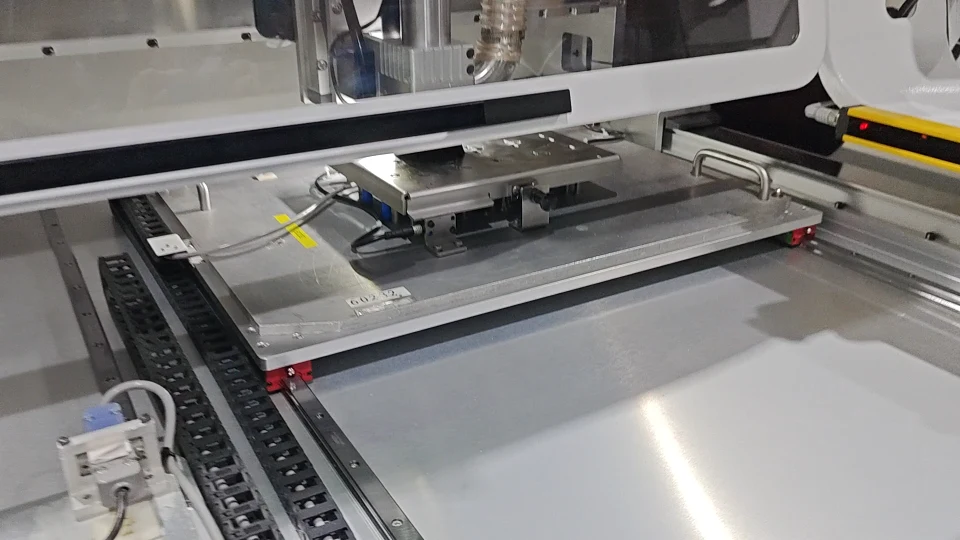
0:50PCB Router Fixture & Board Changeover Video
Router / Milling Depaneling
 0:57
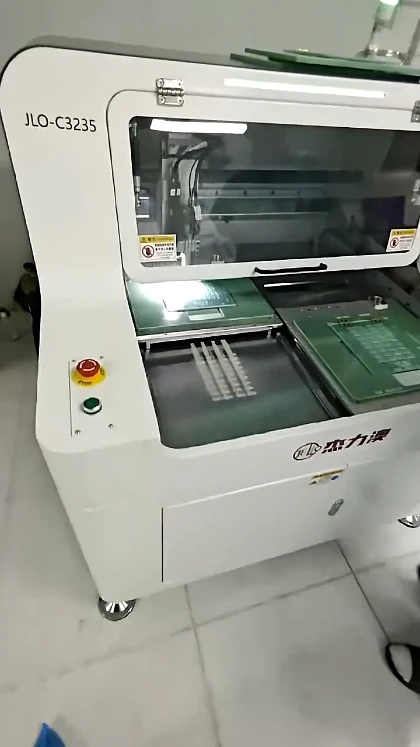
0:57PCB Depaneling: Small-Tab Routing Close-Up
Router / Milling Depaneling
NEXT STEP
Request a sample-cutting review
Share your panel drawing and application requirements with the JELIO team.


