
JELIO ENGINEERING INSIGHTS
Inline vs. Offline Depaneling: When to Automate Your Production Line
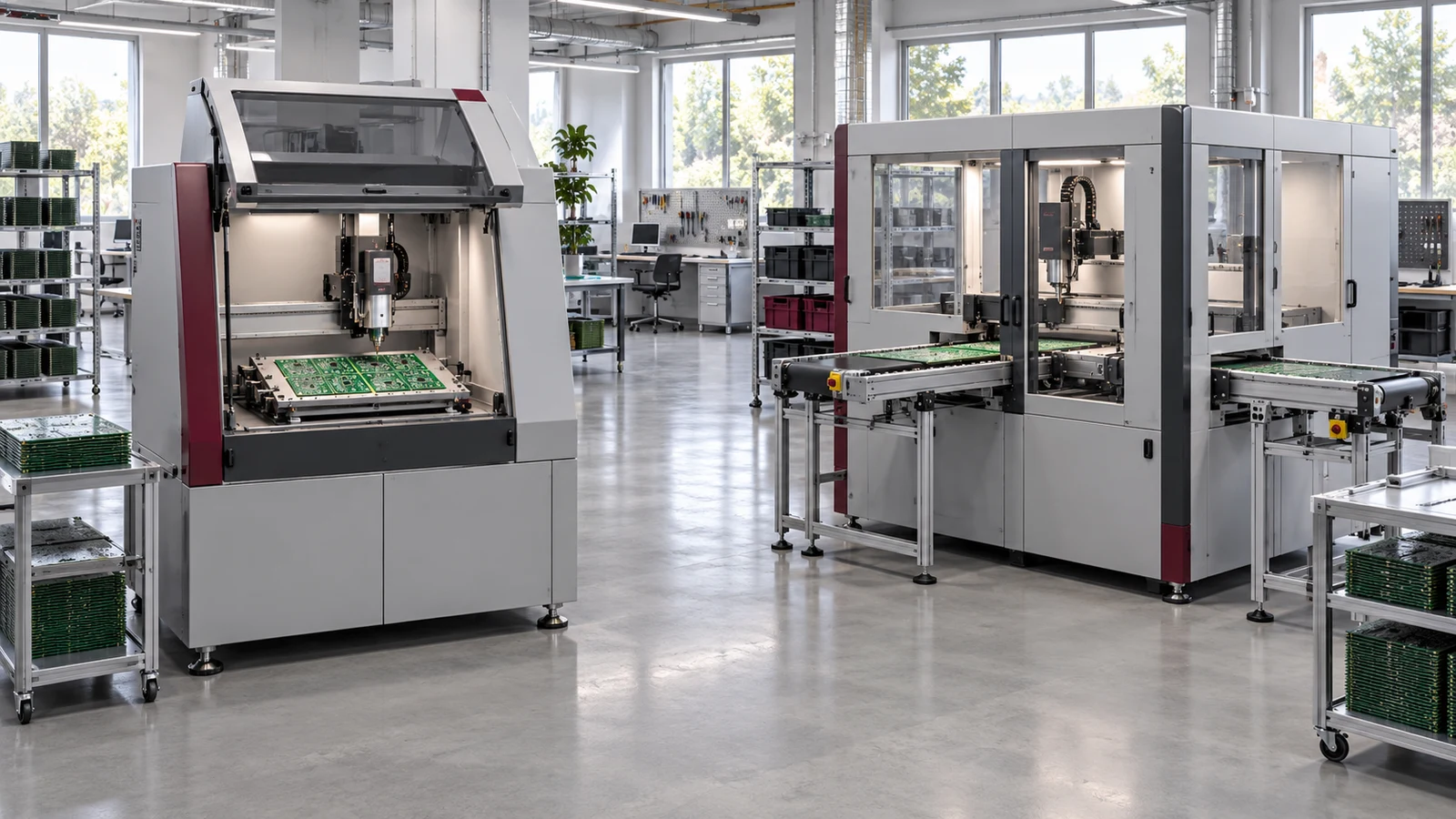
Choose inline or offline PCB depaneling by comparing the entire production task: how panels arrive, who loads them, how separated boards leave, and how frequently the product changes. JELIO’s original article positions offline systems for flexible production and inline systems for connected manufacturing. This expanded guide turns that distinction into an application review for EMS and OEM teams. It uses the published JLO-C3532Z inline router and JLO-C3532 / JLO-C5045 dual-station router as concrete catalog references, while keeping their equipment specifications separate from any proposed line cycle or project outcome.
When should a manufacturer choose inline rather than offline depaneling?
Choose inline depaneling when the panel flow, output handling and production requirements justify a connected process and the required interfaces can be defined. Consider offline equipment when frequent product changes or independent loading make a standalone workflow more useful. Compare complete-cycle trials, product mix, fixture changes and integration scope before choosing; production volume alone does not define the right configuration.
1. Define the production task before the automation level
List the product families that will pass through depaneling and their drawing revisions. For each, record the panel dimensions, thickness, component arrangement and expected receiving condition. Include variants that require a different fixture, program or output orientation. An automation decision that covers only the easiest panel may leave the rest of the production mix outside the proposed workflow.
JELIO’s original article describes offline machines as standalone equipment for prototyping, lower-volume production and changing product mix. It describes inline systems as directly connected to production flow, with conveyor integration and MES requirements considered during pre-sales review. Use those stated positions as the starting point, then translate them into requirements for your own site and the specific model proposed.
Start with a process map that shows the current arrival and departure of every panel or board. Identify manual tasks separately from machine tasks. If the downstream operation requires a particular orientation or tray, include it in the map now. The desired level of automation becomes clearer once the complete task is visible, rather than being selected from an equipment label.
2. Compare changeover and product mix
For a standalone workflow, review the steps an operator performs when the next product arrives. These can include fixture exchange, program selection, drawing verification and the receiving arrangement. Record which actions happen once per product change and which recur on every panel. That distinction helps the team understand whether the workload comes from cutting, handling or frequent setup changes.
For an inline workflow, extend the same review to the connected line. Define how the upstream station identifies the next panel, what the depaneling machine must know before it accepts that panel, and how the receiving operation handles the resulting boards. A product change may affect more than the cutting program, particularly when fixtures or output trays differ.
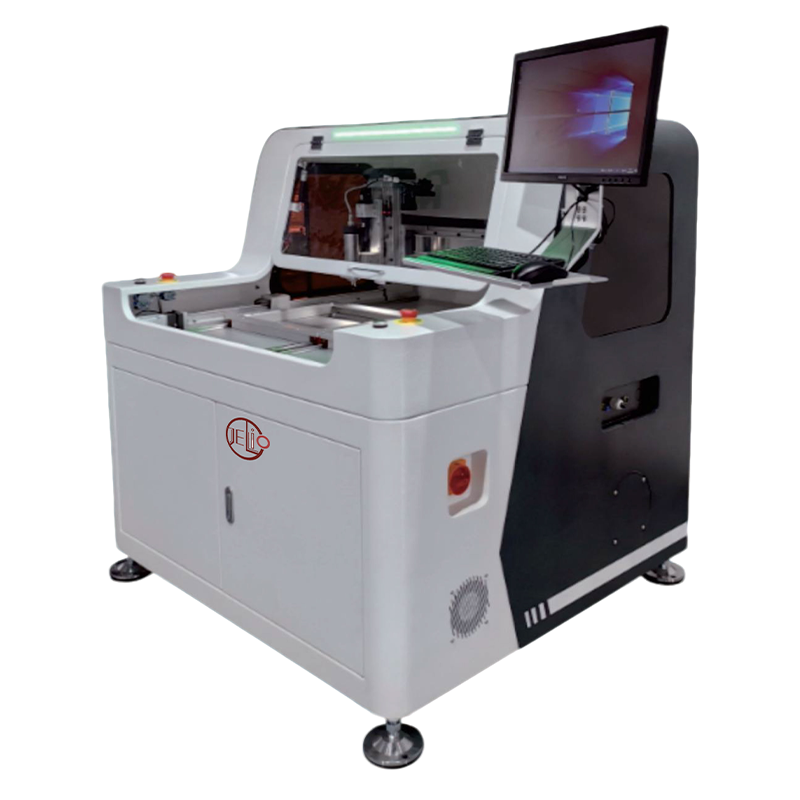
The JELIO router category contains several equipment arrangements. Compare the actual product pages before concluding that one automation level suits all jobs. If a frequent variant changes the available component clearance or panel support, include that variant in the sample review and discuss the required fixture rather than assuming a common setup.
3. Measure a complete cycle using the same boundary
Agree the start and finish of the timing record. A useful comparison could begin when the panel is available at the loading position and end when separated boards reach the required output position. State whether loading, positioning, cutting, unloading and transfer are included. Keep the definition identical across the alternatives being evaluated.
Record whether activities overlap, especially on a dual-station system. Do not add every observed step as if all steps were sequential, and do not report only the shortest cutting segment as the production cycle. Retain the sequence video and note interruptions so another reviewer can understand how the recorded time was obtained.
Use representative panels and an agreed observation period. The appropriate sample sequence depends on your product mix and quality requirements; there is no universal volume threshold in this guide. The sample-test checklist explains how to connect the timing record with sample identity, configuration and inspection results.
4. Define handling and data interfaces explicitly
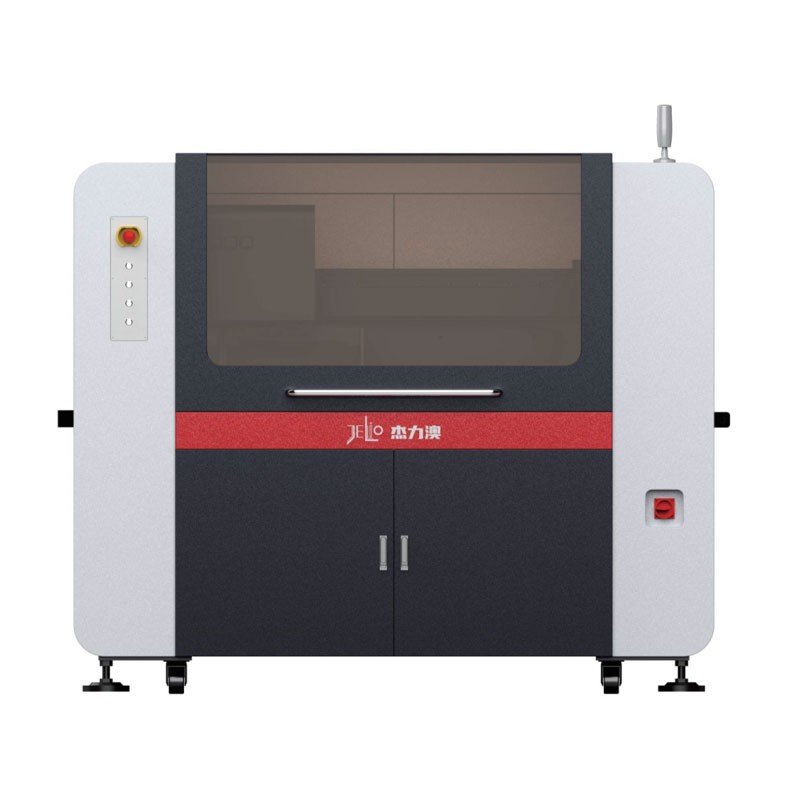
The JLO-C3532Z inline router page lists vacuum suction-cup handling and transfer. This is a real model-specific starting point for reviewing board pickup and delivery. Bring the board layout, usable pickup areas and the receiving arrangement to the discussion. The proposed handling sequence should be evaluated with the populated board and intended orientation.
For MES, the same product page lists CSV text format as standard and a barcode scanner as optional. Specify the actual data you require, the system that consumes it and the point in the sequence where it must be available. Do not describe CSV support as automatic support for every factory protocol or database.
JELIO’s original article describes standard SMEMA interfaces for connected inline arrangements. Keep that original system-level statement separate from the machine-specific interface list in the quotation. Ask the integration team to document the selected electrical and data handshakes, conveyor arrangement and responsibility boundaries for your project.
Current manufacturer material also considers handling alongside the machine: the Cencorp overview discusses offline and inline depaneling with output options. That industry context supports reviewing the whole production task; it does not expand the stated functions of a particular JELIO model.
5. Make the purchase decision with an application record
Use the comparison table below to identify where each workflow fits your operation. Add the actual fixture-change tasks, staffing arrangement and receiving requirement to your internal review. Where a benefit depends on a measured cycle or operating condition, keep the evidence with the decision instead of replacing it with an assumed labor-saving or payback figure.
The linked source product pages show that the selected router families share several published cutting fields while differing in handling or tool-change arrangements. A connected workflow should therefore be chosen for its fit with the production system, not because the word inline automatically establishes better finished-board quality. Inspect the actual sample against the released drawing.
Send the line map, panel family list and interface requirements to JELIO customization support. The result of the review should identify the proposed machine, fixture, output handling, data scope and acceptance actions. Purchasing can then request a quotation that describes the same configuration engineering evaluated.
Industry news reviewed for this update includes ASYS’s July 2026 news report of a depaneling automation project at technosert. That manufacturer report is context for current interest in connected processes, not evidence of a JELIO installation or a transferable cycle-time result. Your line decision remains tied to your own application evidence.
| Input | Record to prepare | Owner |
|---|---|---|
| Product mix | Panel families, revisions and changeover needs | Process engineering |
| Output | Tray or next-station orientation and handoff | Automation engineering |
| Quality | Drawing and edge-inspection criteria | Quality engineering |
| Interfaces | Required handshakes and data fields | Controls/MES team |
| Commercial scope | Equipment, options, training and support items | Purchasing |
Automation level follows the handling boundary
Review the standalone task
Review the connected task
Evaluate the actual board in either workflow
Inline and offline workflows: compare the operating task
| Decision point | Standalone/offline review | Connected/inline review |
|---|---|---|
| Panel arrival | Operator loading and fixture access | Upstream transfer and acceptance sequence |
| Product changes | Fixture and program change procedure | Coordinated line, fixture and receiving change |
| Output | Operator collection or defined receiving aid | Specified automatic board transfer |
| Timing | Complete observed operator-machine cycle | Complete connected production cycle |
| Data | Job record required for the standalone process | Defined handshakes, record fields and MES boundary |
Published specifications for the application review
JLO-C3532Z: source catalog values for this product family.
| Parameter | Published value |
|---|---|
| Model | JLO-C3532Z |
| Max. PCB Depaneling Size | 350mm(X)*320mm(Y) (Single Station) |
| Cuttable PCBA Thickness | 0.5~4mm |
| Cutting Accuracy | ±0.05mm |
| Repeatability | ±0.02mm |
| Loading & Unloading Method | Vacuum suction cup handling & transfer |
| MES Connection | MES CSV text format (standard), barcode scanner (optional) |
Choose an automation scope your team can accept
- 01
Map
Record the current panel and board flow.
- 02
Compare
Review product mix and changeover needs.
- 03
Define
Specify handling and data boundaries.
- 04
Trial
Measure the same complete cycle and quality checks.
- 05
Approve
Quote the evaluated configuration and scope.
Frequently asked questions
Is there a fixed production volume at which inline depaneling becomes necessary?
Use your actual panel mix, handling workload, cycle requirement and integration scope. This guide provides no universal volume or ROI threshold; a representative workflow review is more useful than a single volume label.
Does inline depaneling automatically produce a more accurate board?
Compare the selected model’s cutting specification and the actual sample results. Automation describes the workflow and handling arrangement; it does not replace dimensional inspection or define every finished-board requirement.
What handling method is listed for JLO-C3532Z?
Its catalog lists vacuum suction-cup handling and transfer. Review usable pickup areas, populated-board geometry, output orientation and receiving requirements with the engineering team.
What MES capability does the JLO-C3532Z catalog describe?
It lists MES CSV text format as standard and a barcode scanner as optional. Define required records and interfaces in the project scope rather than assuming support for every factory communication protocol.
What should I send for an inline/offline review?
Prepare the panel family list, drawings, component layouts, current line map, changeover needs, receiving arrangement and interface requirements. Include the quality checks and cycle boundary used for the decision.
Related equipment and guides
Review your depaneling line requirements
Share the panel family, handling sequence and interface list to define a suitable automation scope.
Review your depaneling line requirements →